How to Save LC Payment Information with Scanned Bank Document File Upload in ALZ ERP
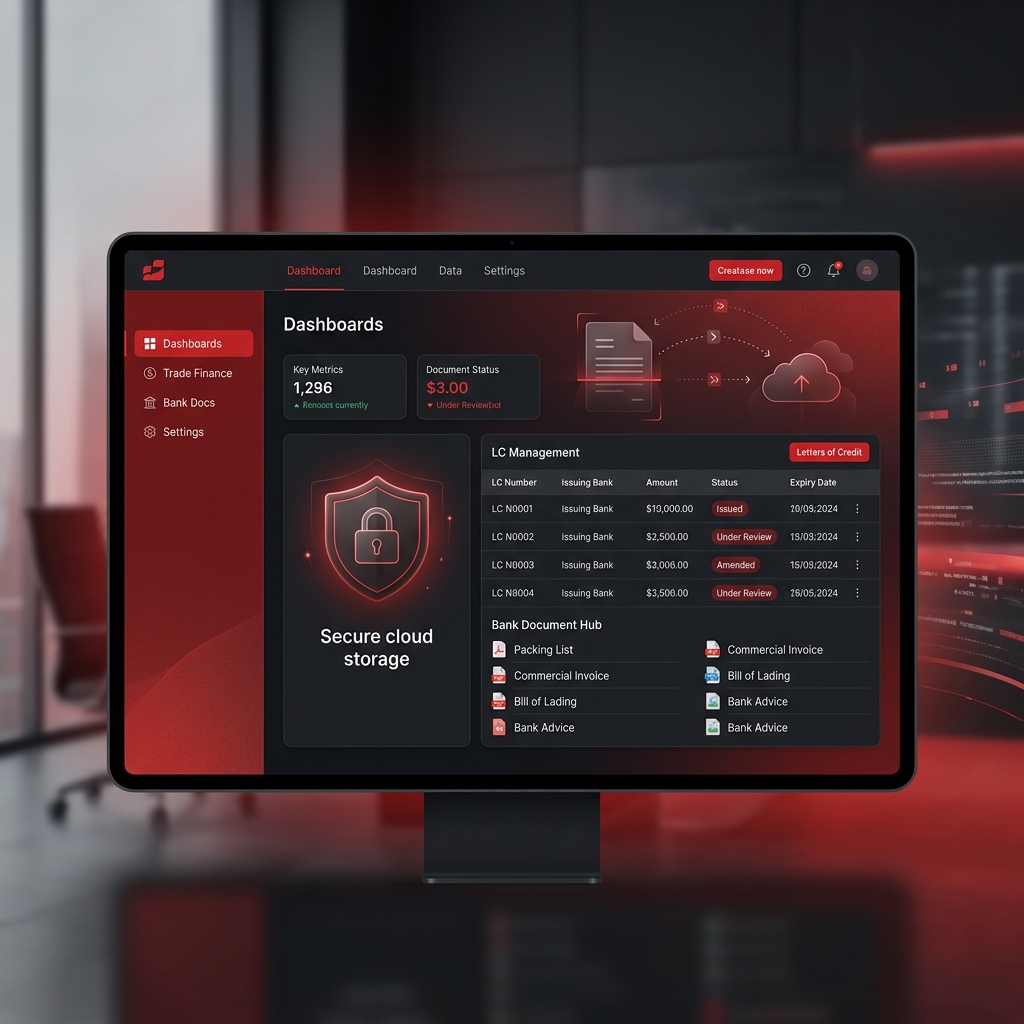
Digitize Your International Trade Documents Securely
Managing international trade finance can be complex. Letters of Credit (LC) often require strict documentation and rapid verification. In ALZ ERP, we have streamlined the process of saving LC payment information alongside high-resolution scanned bank documents, ensuring you maintain a complete, audit-ready digital trail.
Our system integrates file uploads directly into the financial ledger, allowing your accounting department to link physical proof of payment with digital transactions effortlessly. This is particularly crucial for Saudi businesses managing ZATCA compliance and requiring verifiable audit trails.
Step-by-Step: Uploading LC Documents
Follow these steps to securely attach your scanned bank documents to your LC payment records in ALZ ERP:
-
Navigate to Financials:
Open the ALZ ERP dashboard and head to the Accounts Payable or International Trade module.
-
Select the Payment Entry:
Locate the specific LC transaction you wish to update. Click Edit or Add Attachment.
-
Upload the Document:
Use the drag-and-drop interface or click the upload button to select your scanned bank document (PDF, JPG, or PNG formats supported).
-
Verify and Save:
Ensure the document is legible, then click Save. The document is now permanently linked to the transaction for future auditing.
Upgrade Your Financial Infrastructure Today
Talk to a customer service representative. Ask about our Cloud ERP Solutions, pricing, or any of your enterprise requirements. Discover how Alwajeez Tech can drive your digital transformation.
Alwajeez Tech, Al-Madinah Al-Munawarah Rd, Ash-Sharafeyah District-3, Jeddah, Saudi Arabia
Last updated: 2026-05-01 21:00 KSARelated Articles
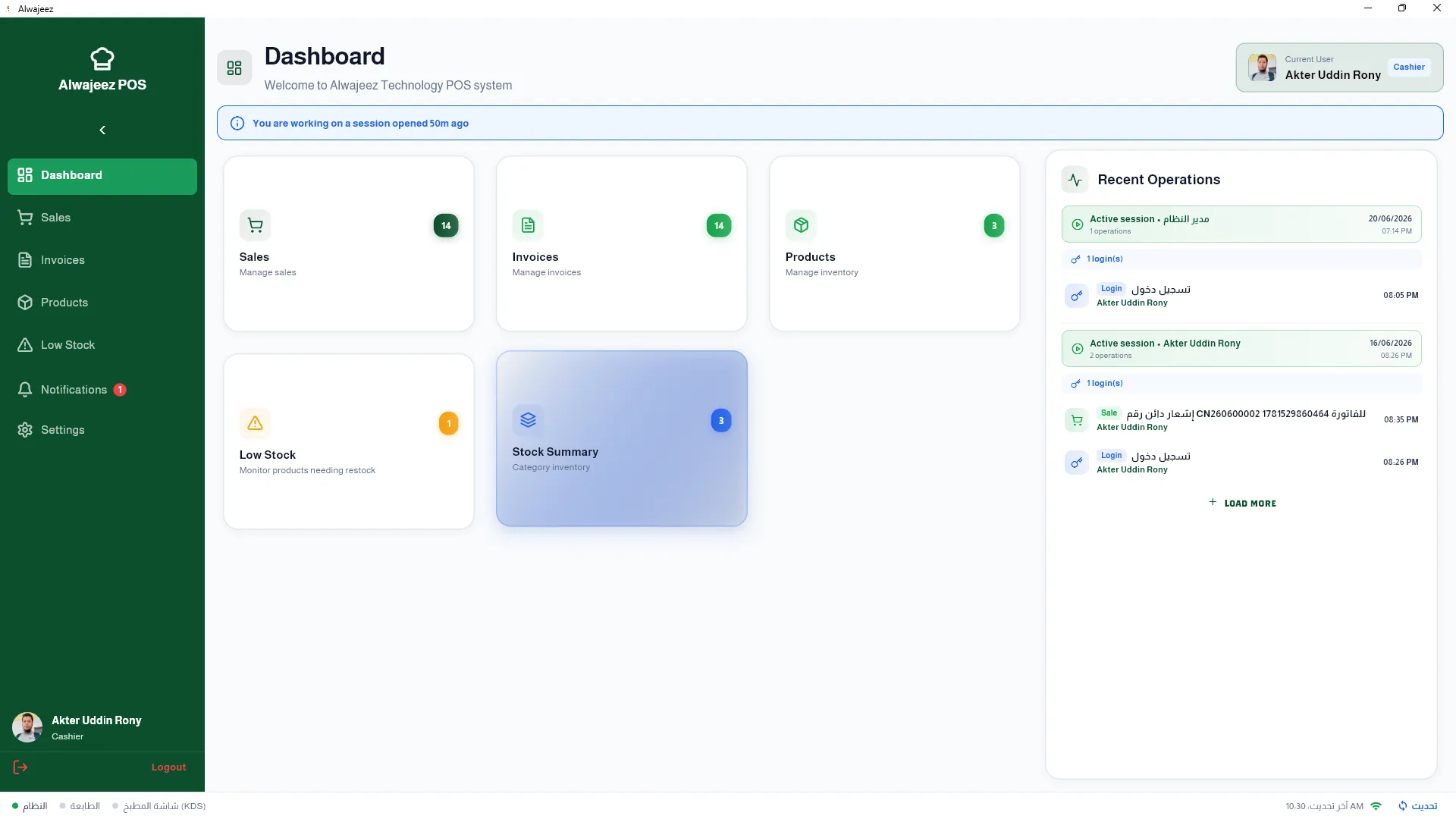
Local vs Cloud Restaurant POS in Saudi Arabia – 1500 SAR One-Time vs 500 SAR/Year
Compare on-premise (1,500 SAR one-time) vs cloud (500 SAR/year) restaurant POS systems in Saudi Arabia. Discover TCO, data control, and franchise benefits.
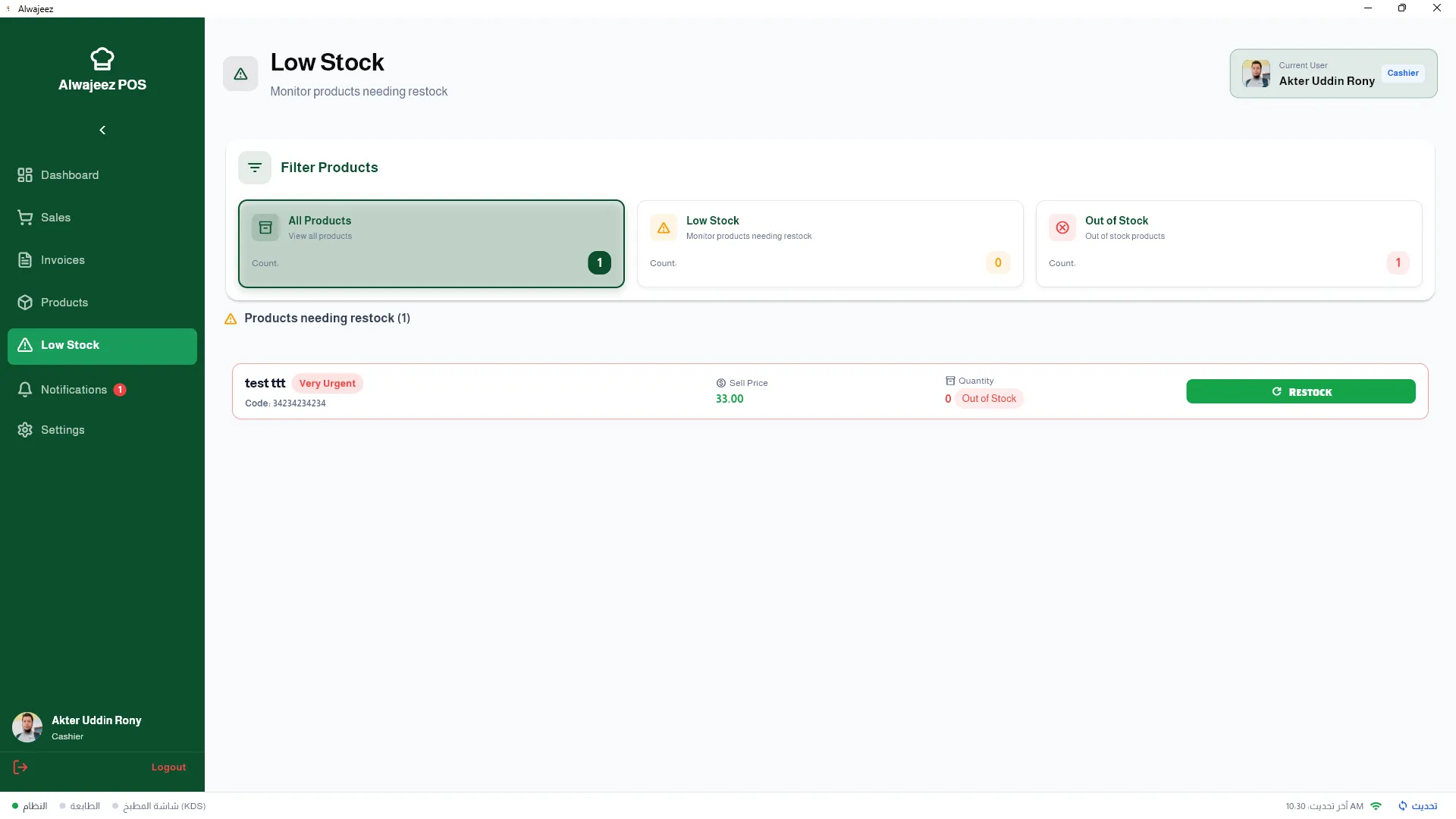
Multi-Branch Restaurant POS & ERP Software in Saudi Arabia – Centralised Accounting
Manage 2 to 50+ restaurant branches in KSA with ALZERP's integrated multi-branch POS & ERP. Learn about centralised inventory, stock transfers, and P&L by branch.
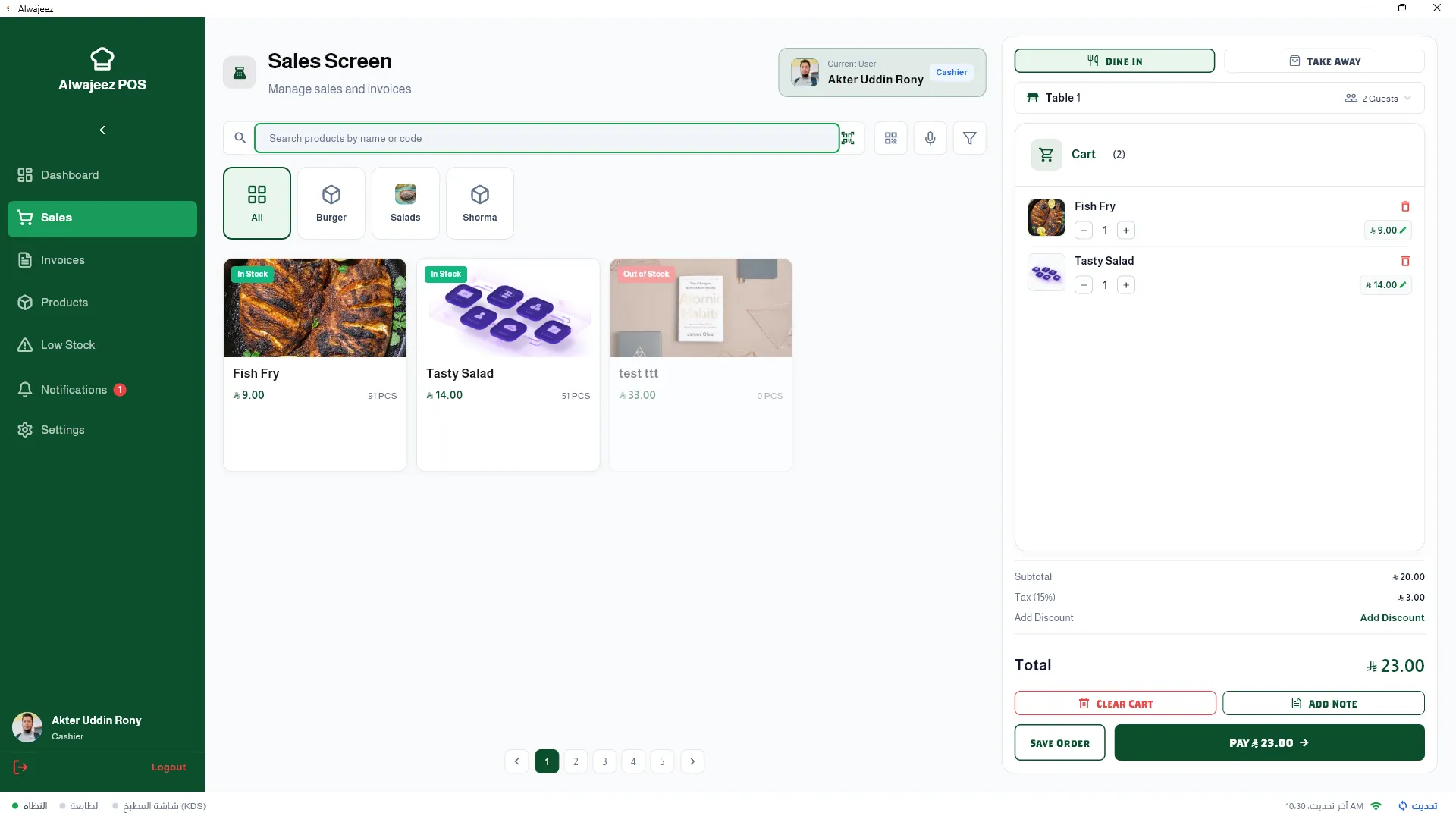
Restaurant POS with Full ERP Integration in Saudi Arabia – Multi-Branch & Accounting
Discover why Saudi restaurants need an ERP-integrated POS system. Learn about ALZERP's multi-branch support, automatic accounting, and ZATCA compliance.