ERP Implementation Checklist for Saudi Companies
ERP Implementation Checklist for Saudi Companies
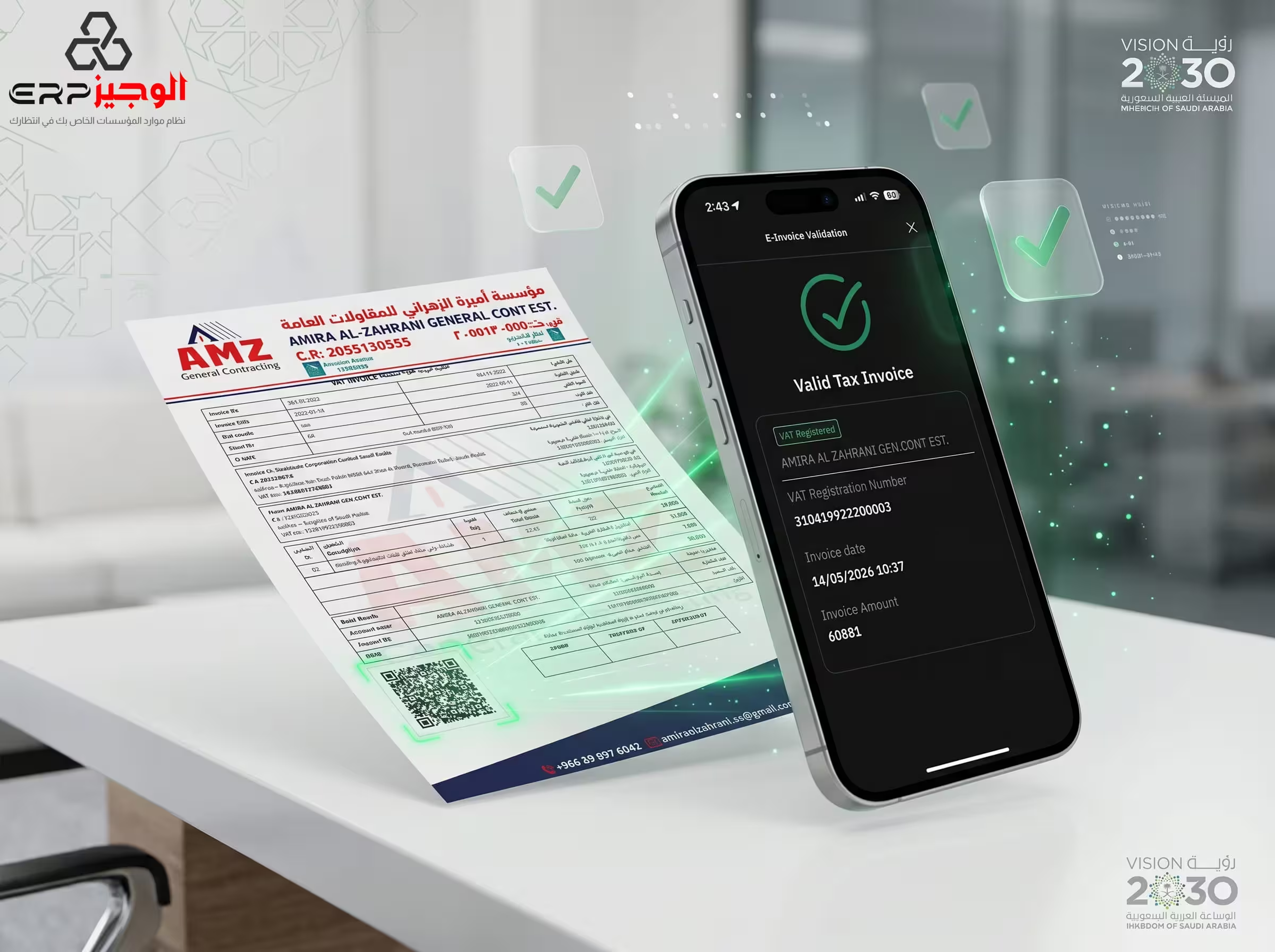
Implementing a new Enterprise Resource Planning (ERP) system is a transformative journey for any business. In Saudi Arabia, this process is shaped by unique regulatory requirements, such as ZATCA’s e-invoicing mandates, and the need for seamless multi-branch operations. A successful ERP implementation Saudi Arabia project requires meticulous planning and a structured approach to avoid common pitfalls. This checklist serves as your roadmap from initial planning to a successful go-live.
What this article covers
- The importance of a pre-implementation phase
- Robust strategies for data migration and inventory cleanup
- Developing a user training and access permissions framework
- Executing testing and simulation before the launch
- The ultimate go-live and post-launch KPI checklist
- Frequently Asked Questions (FAQ)
The importance of a pre-implementation phase
Before you install a single line of software, you must understand your current business workflows. What are the pain points in your current accounting? How does your warehouse communicate with your sales team?
- Define clear objectives: Are you aiming for ZATCA Phase 2 compliance, better inventory visibility, or faster financial closing?
- Build a project team: Nominate "Champions" from each department (Finance, HR, Logistics) who will lead the transition within their teams.
- Select the right partner: Ensure your software provider understands the specific legal and cultural context of the Saudi market.
Robust strategies for data migration and inventory cleanup
Your new ERP is only as good as the data you put into it. Migrating "garbage" from your old system will only create "digital garbage" in the new one.
- Clean your customer & supplier lists: Ensure every entity has a valid VAT registration number and correct contact details.
- Perform a physical stocktake: Don't trust your old spreadsheets. Do a manual count and ensure your starting inventory in the new ERP matches reality.
- Audit your Charts of Accounts: Use the migration as an opportunity to simplify and optimize your financial structure for better reporting.
Developing a user training and access permissions framework
A common reason for ERP failure is a lack of "buy-in" from the staff. Training is the bridge between a new tool and actual business value.
- Role-based training: Your warehouse staff needs to master barcode scanning, while your accountants focus on VAT reconciliation.
- Define granular permissions: Not everyone needs access to payroll or sensitive financial reports. Use the ERP's security features to protect your data.
- Create internal "How-To" guides: Document your specific business processes within the new software for future new hires.
Executing testing and simulation before the launch
Never go "live" without a dress rehearsal. Testing identifies bugs and process gaps before they affect your customers.
- UAT (User Acceptance Testing): Have your power users perform a complete "day-in-the-life" simulation, from purchase order to final ZATCA-compliant invoice.
- Integration testing: Ensure the ERP connects perfectly with your bank feeds, payment terminals (Mada), and e-commerce platforms.
- Stress test the infrastructure: Confirm that your internet and hardware can handle the new system's requirements during peak hours.
The ultimate go-live and post-launch KPI checklist
On the big day, use a transition checklist to ensure nothing is missed:
- Final balance migration: Carry over the closing balances from your old system as of the go-live date.
- Support availability: Ensure your IT team or ERP partner is on standby for the first 48 hours to handle immediate queries.
- Monitor Post-Launch KPIs: In the first month, track metrics like invoice generation time, stock accuracy, and financial report generation speed to measure the ERP's impact.
FAQ
How long does a typical ERP implementation take in Saudi Arabia?
For a focused SME, a successful ERP implementation Saudi Arabia project can take anywhere from 4 to 12 weeks, depending on the complexity of your data and the readiness of your team.
Is training included with ALZ ERP?
Yes. We believe that training is vital to success. Our implementation packages include dedicated training sessions for your management and operational staff.
Can we implement the ERP module by module?
Absolutely. Many companies choose to start with the Core Financial and ZATCA modules first, then roll out Warehouse and HR modules in subsequent phases.
What is the most common reason for implementation failure?
Poor data quality at migration and inadequate staff training are the leading causes. Choosing a partner who doesn't understand the local Saudi context also adds significant risk.
Final CTA
Don't let the fear of implementation hold your business back from the digital future. With a structured approach and a partner like ALZ ERP, you can migrate with total confidence. We have helped countless companies across Riyadh, Jeddah, and Dammam transition to high-performance automated systems.
Related Articles
Local vs Cloud Restaurant POS in Saudi Arabia – 1500 SAR One-Time vs 500 SAR/Year
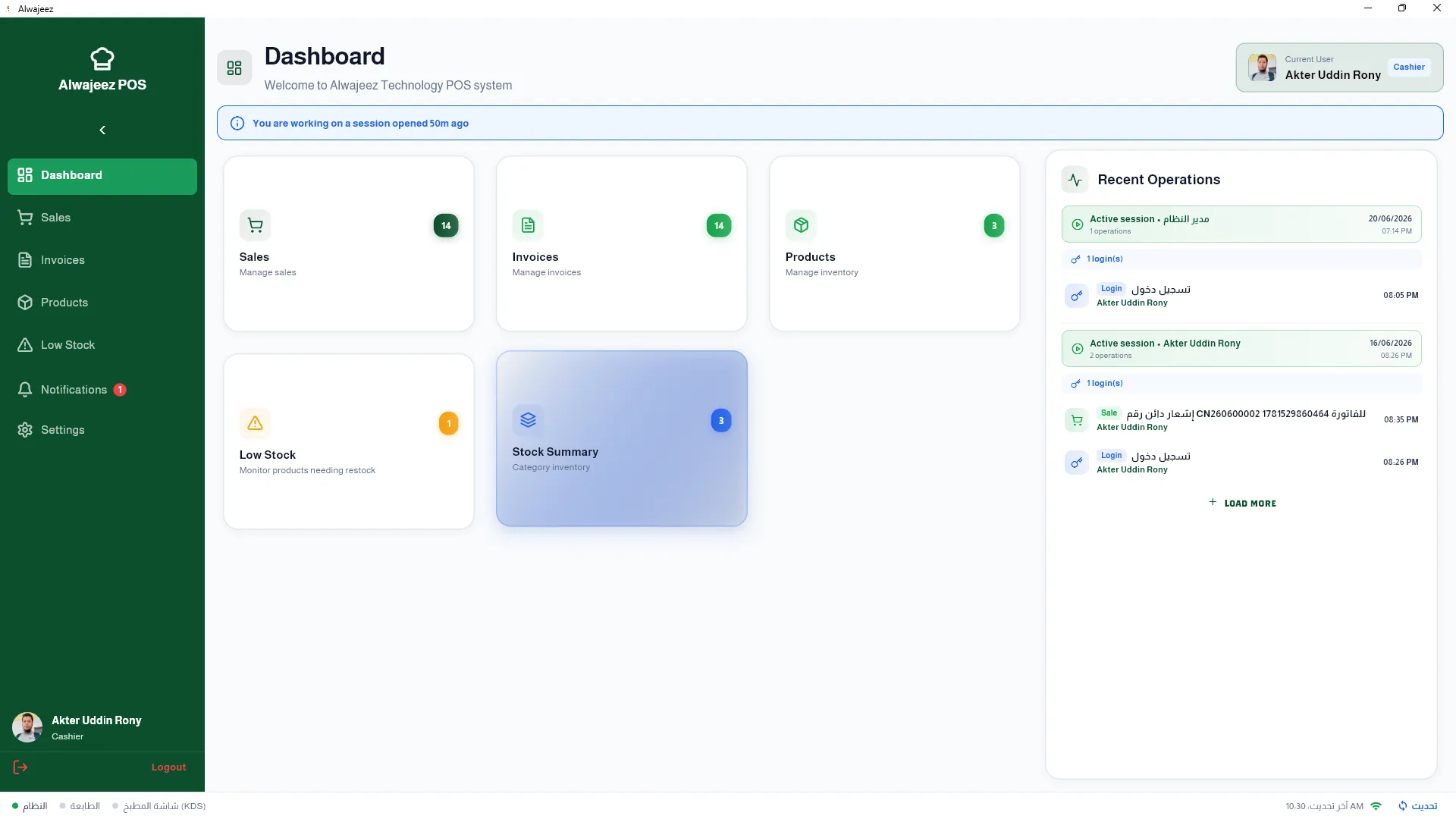
Compare on-premise (1,500 SAR one-time) vs cloud (500 SAR/year) restaurant POS systems in Saudi Arabia. Discover TCO, data control, and franchise benefits.
Multi-Branch Restaurant POS & ERP Software in Saudi Arabia – Centralised Accounting
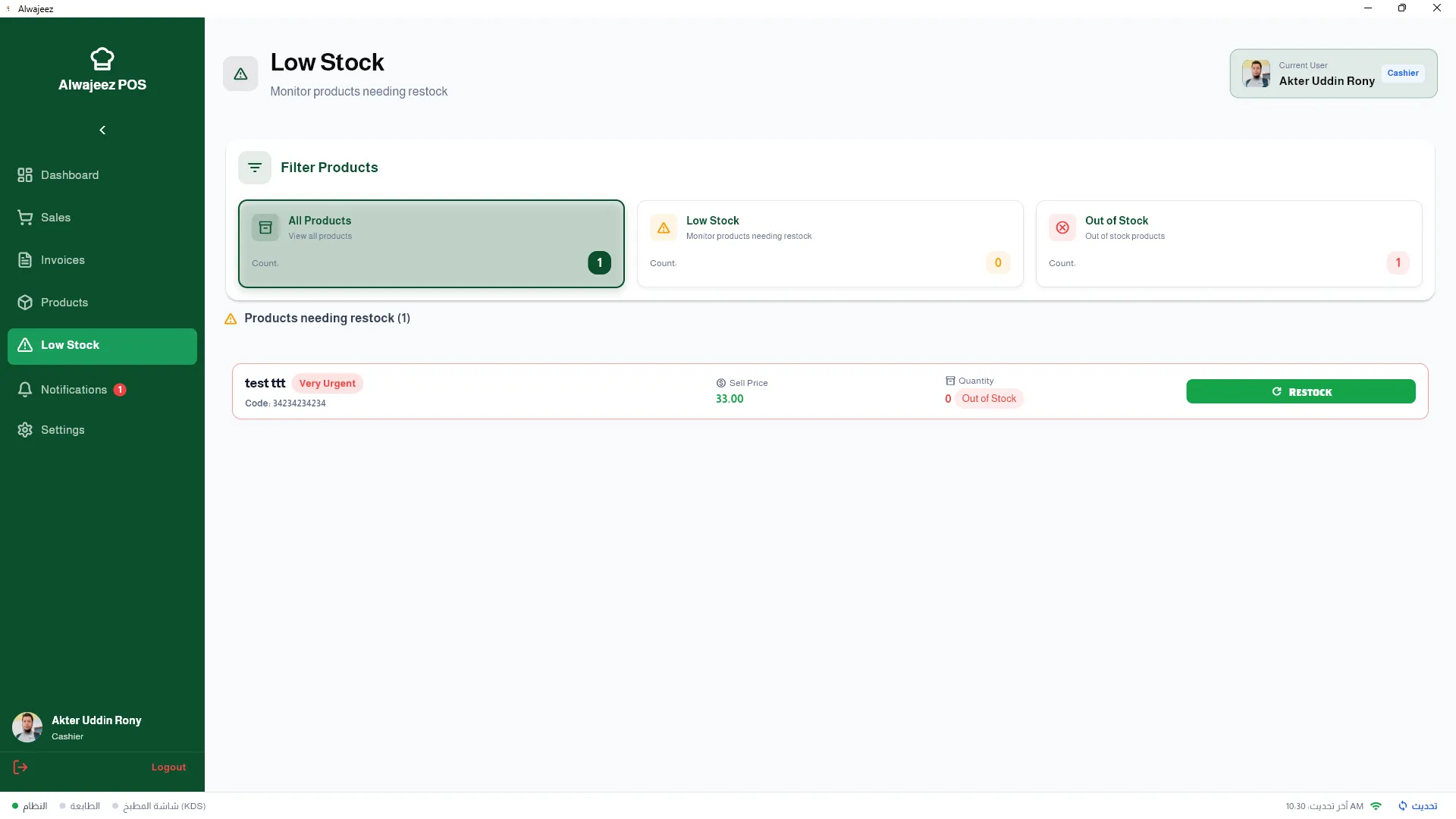
Manage 2 to 50+ restaurant branches in KSA with ALZERP's integrated multi-branch POS & ERP. Learn about centralised inventory, stock transfers, and P&L by branch.
Restaurant POS with Full ERP Integration in Saudi Arabia – Multi-Branch & Accounting
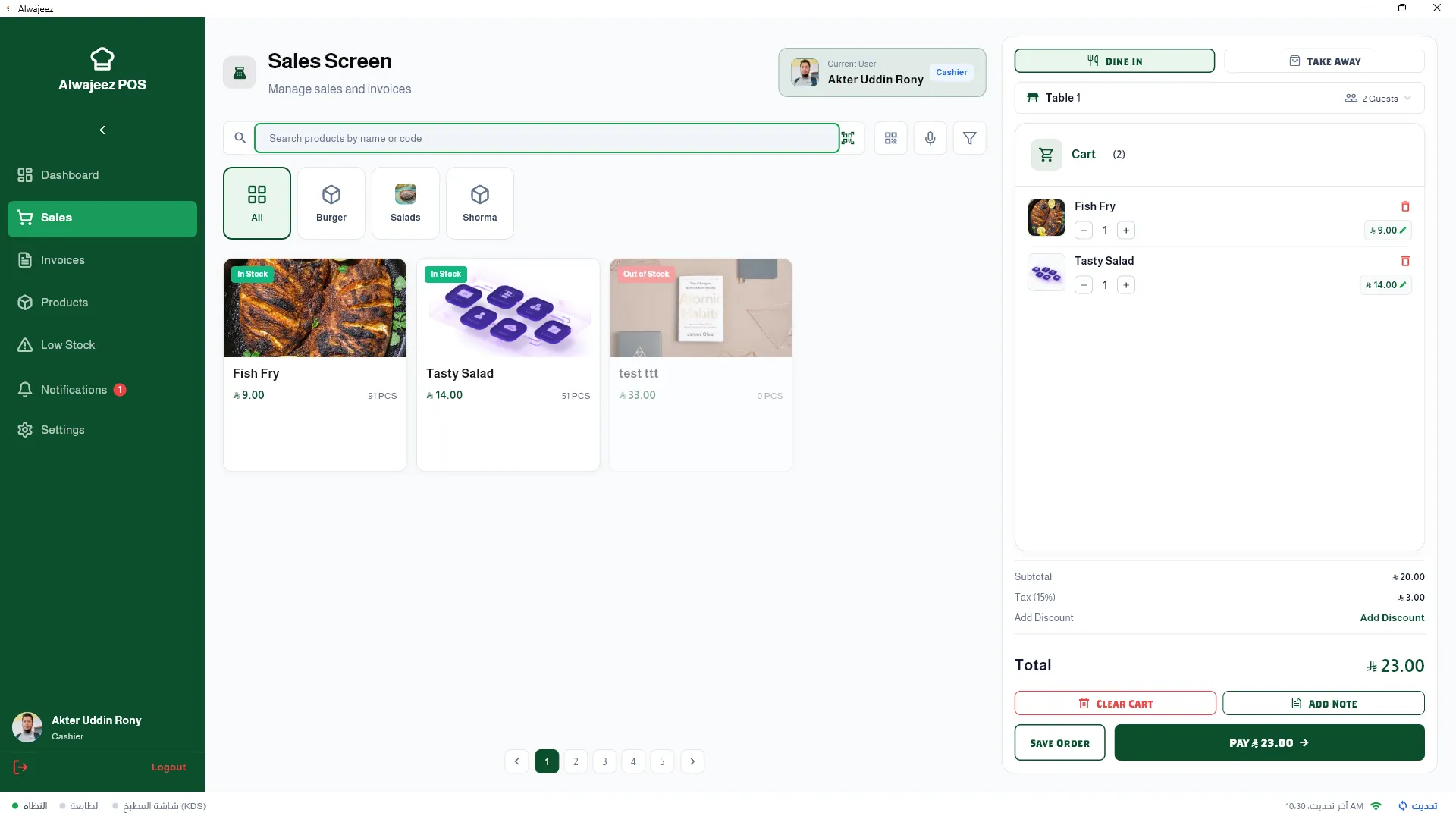
Discover why Saudi restaurants need an ERP-integrated POS system. Learn about ALZERP's multi-branch support, automatic accounting, and ZATCA compliance.